
# going from a bash script to go cli

I have been using a tmux bash script from a popular programming twitch streamer for a while now and it has been great so far. So to @ThePrimeagen.
It lets me start a tmux session in any directory within the search path I set from the find command at the top of the script. It was working great for me and it greatly increased the speed that I was able to switch between projects and directories.
Recently however, I have felt it a bit lacking. I can quickly access various directories at the same state that I left them in last, which is pretty much the entire point of the script, but I found myself still having to take time to reopen all the browser tabs I was using at the time. Since I have reached a higher plane of existence and don’t have any attachment to my browser tabs I never have more than 5-ish tabs open at a time, always close down my browser at the end of the day, and stuff anything that I need to reference later into my bookmarks bar.
So if I don’t want to be a tab hoarder and have multiple devices that I develop on what should I do? Of course I get to write a program that will bookmark links based on what directory I am in.
If I want to make a program that will manage links based on directory then it sounds like the job has outgrown a simple bash script and will need something a little more fitting to the need, a go cli.

I set a road map for myself on how I should develop the app. It will consist of 3 stages:
- port the bash script to a go cli with the same functionality
- add support for a configuration file to manage search paths, ignore paths, and logic to be ran after a tmux session is started
- enable saving of bookmarks based on directory to sqlite to enable reproducible functionality across machines with syncthing
For now I have finished the first step and here is a quick screenshot of how the “fuzzy finding” looks like.
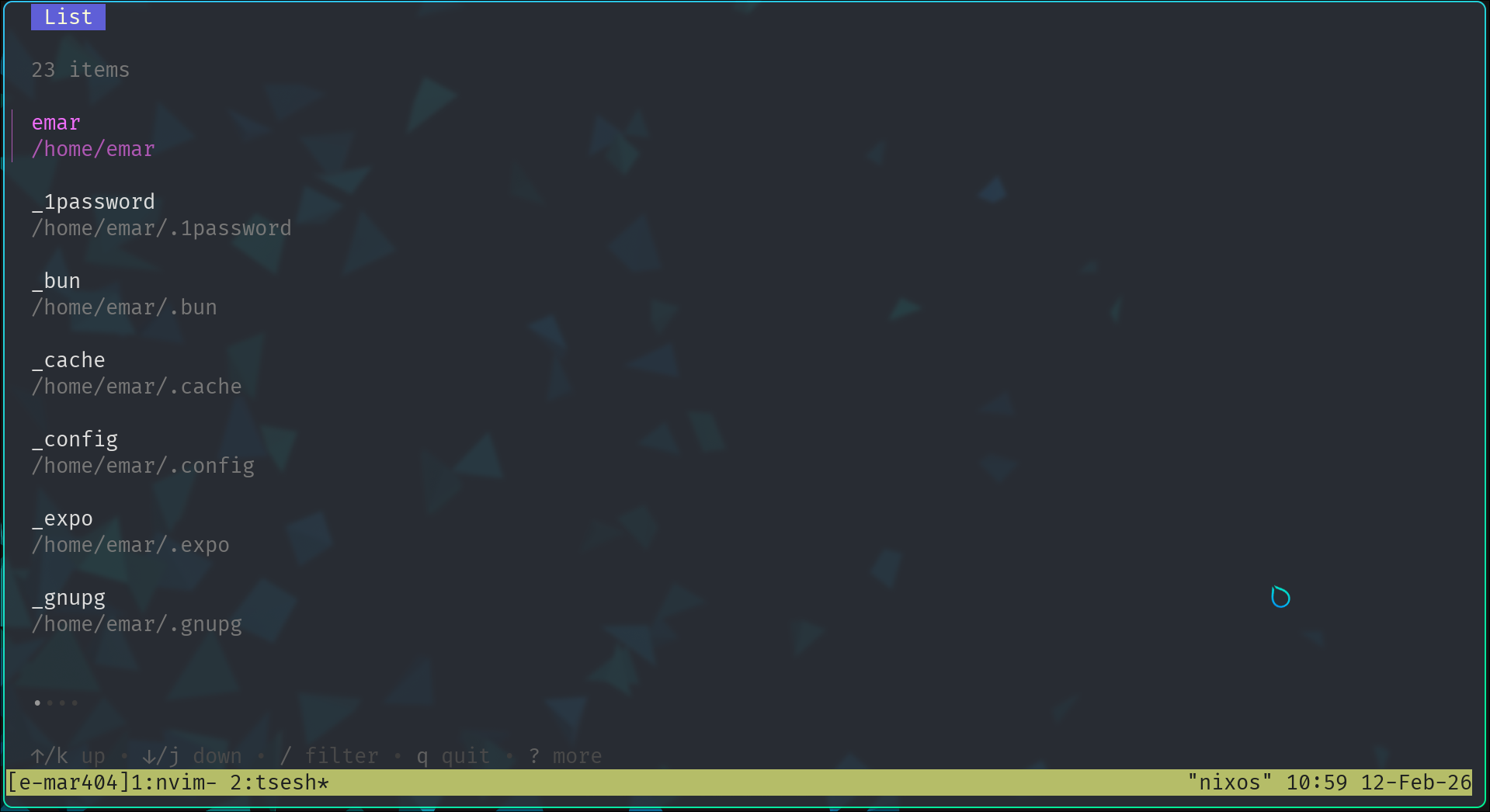
The cli was built in go using the charm bubble tea tui library and it is called tsesh. For now it just has a 1:1 feature parity with how I used to use the bash script, with some testing, so it doesn’t do anything too exciting yet, so stick around to see me add my custom functionality soon!